CASE STUDY
ArtXCloud
Reducing friction in artwork onboarding
OVERVIEW
Adding an artwork is one of ArtXCloud’s most foundational workflows. Inventory, Private view, transactions, logistics, and reporting all depend on clean artwork data.
The goal was to make onboarding feel simple at the start, but robust enough for real gallery workflows — including consignments, multiple artworks, optional metadata, AI descriptions, and automated IDs.
Instead of designing static screens, I used AI with the existing design system to generate a working prototype, then documented the product logic, rules, and edge cases in Notion. This allowed the team to test the flow earlier and move faster from concept to implementation.
KEY OUTCOMES
1
Flow for single artworks, batches, and consignments
0
Manual artwork ID creation for new entry
80%
Reduction in average consignment registration time
01
A simple form had to support complex gallery logic
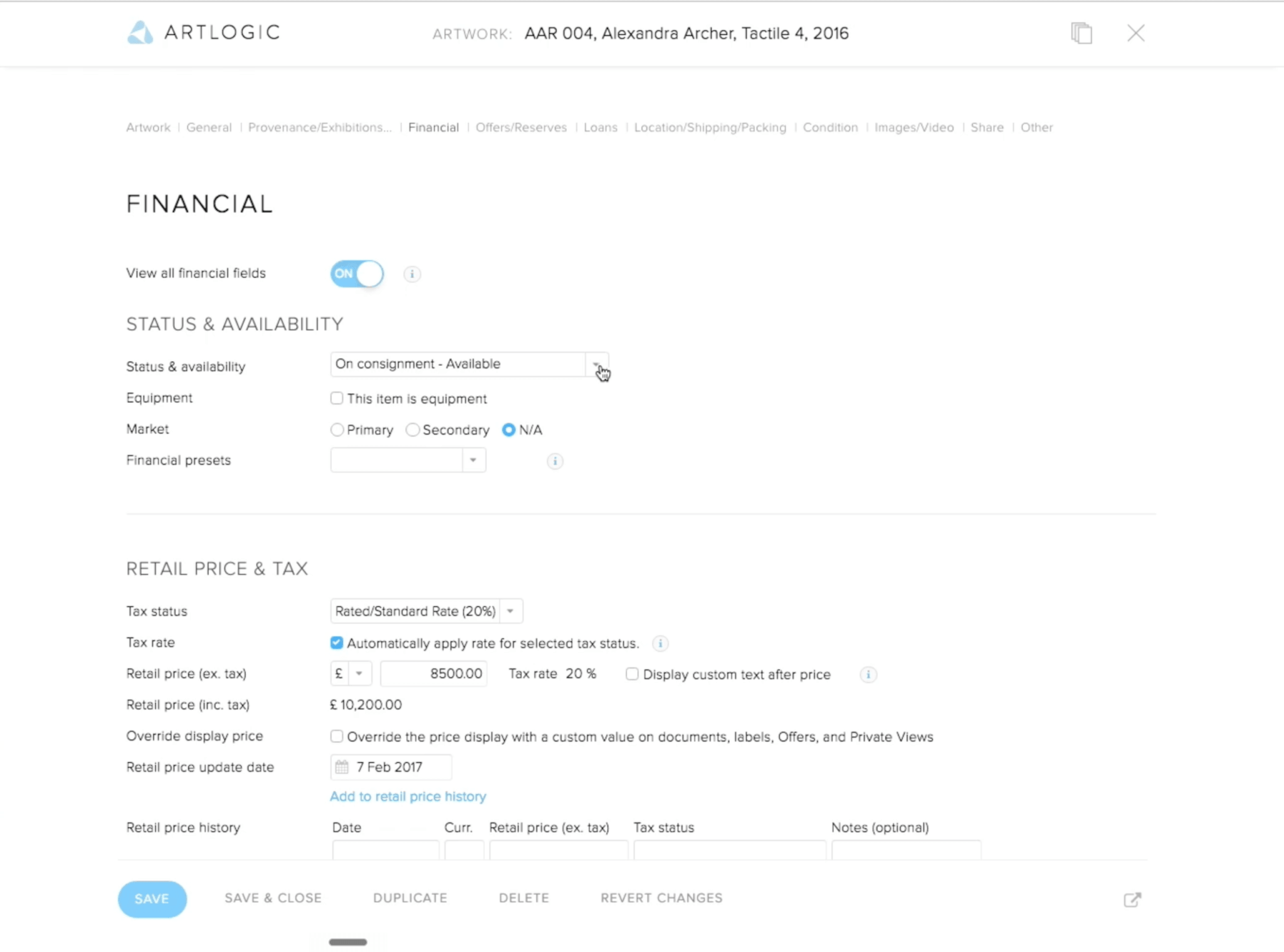
Artwork onboarding needed to feel fast and approachable, but it could not be shallow. Competitor tools like ArtLogic exposed many input fields in unintuitive structures, causing users to get lost or ignore most fields.
The challenge was to design a flow that worked for both lightweight entry and professional gallery operations — keeping the first step simple, while allowing users to add depth only when needed.
02
The flow focused on essentials first
Users could start an artwork record with only the key information upfront.
Optional details stayed available, but did not block quick entry.

03
Optional details kept complexity under control
Rather than showing every possible field upfront, the flow allowed users to add optional details only when needed.
This included fields such as artist signature, artwork ID, weight, crate, additional costs, and alternative pricing in another currency. The goal was not to remove complexity — it was to make complexity available at the right moment.

04
Batch creation matched consignment workflows
Galleries often receive multiple works from the same artist under the same commission terms.
The flow allowed users to add multiple artworks at once while setting shared artist and consignment details only once.

05
AI reduced the writing burden
AI-generated descriptions helped users create a first draft from artwork information.
This made records richer without forcing galleries to start from a blank page.
06
Automated IDs removed repetitive admin
The automated ID generator standardized artwork records from the moment they were created.
This removed manual stock number creation and helped keep inventory data cleaner.
07
AI-native design and development
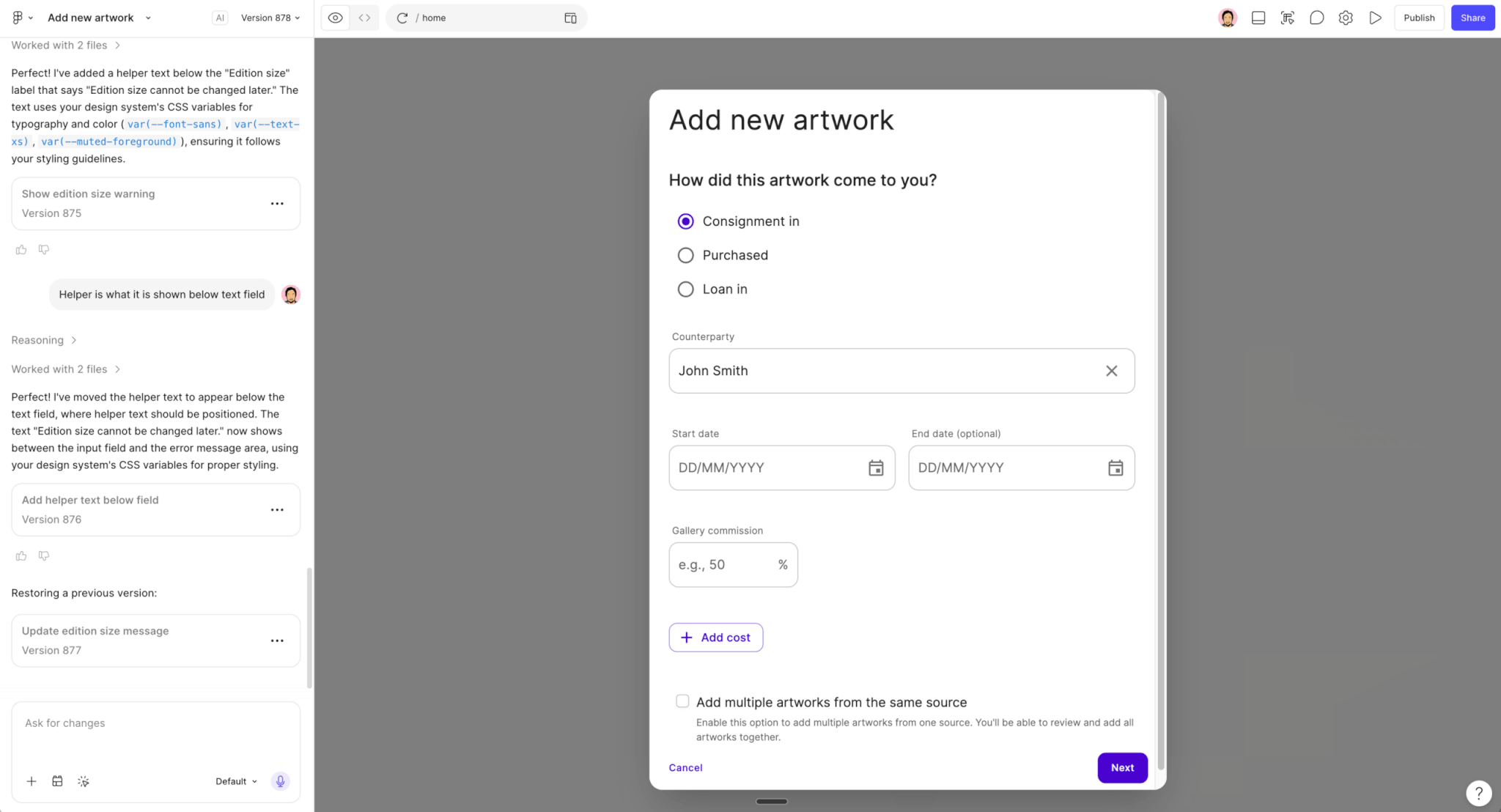
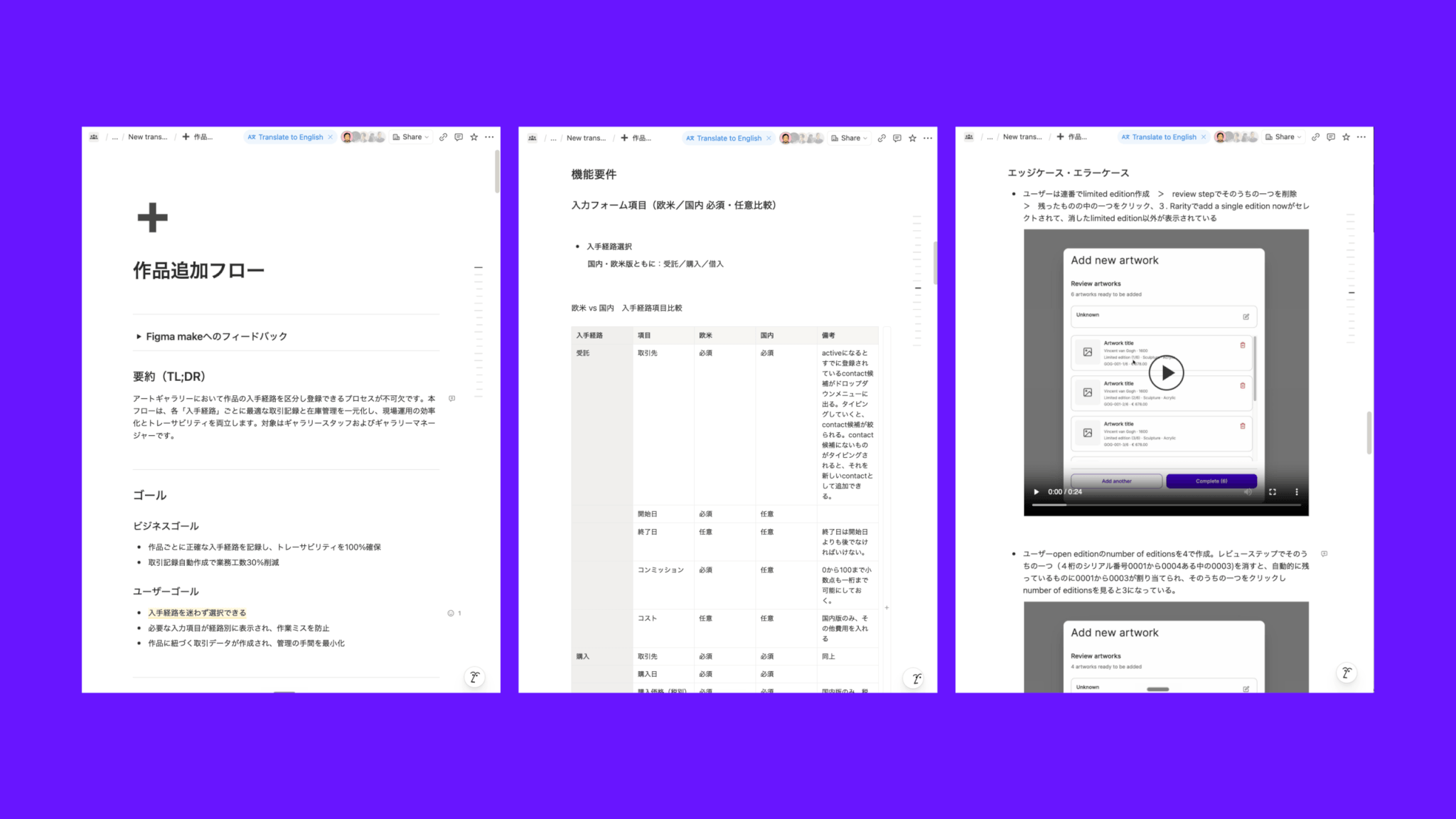
Instead of designing static screens first, I used Figma Make with the existing design system to create a working prototype, then documented the product logic in Notion.
This allowed the team to test the flow, understand edge cases, and move from design intent to implementation faster.
08
The result was a stronger platform foundation
This was more than an add-artwork form.
It turned artwork intake into structured, reusable data for the rest of ArtXCloud — supporting inventory, Private view, transactions, logistics, and future reporting.

Other case studies
S&ST Design impactsDesign impacts for launching the platform
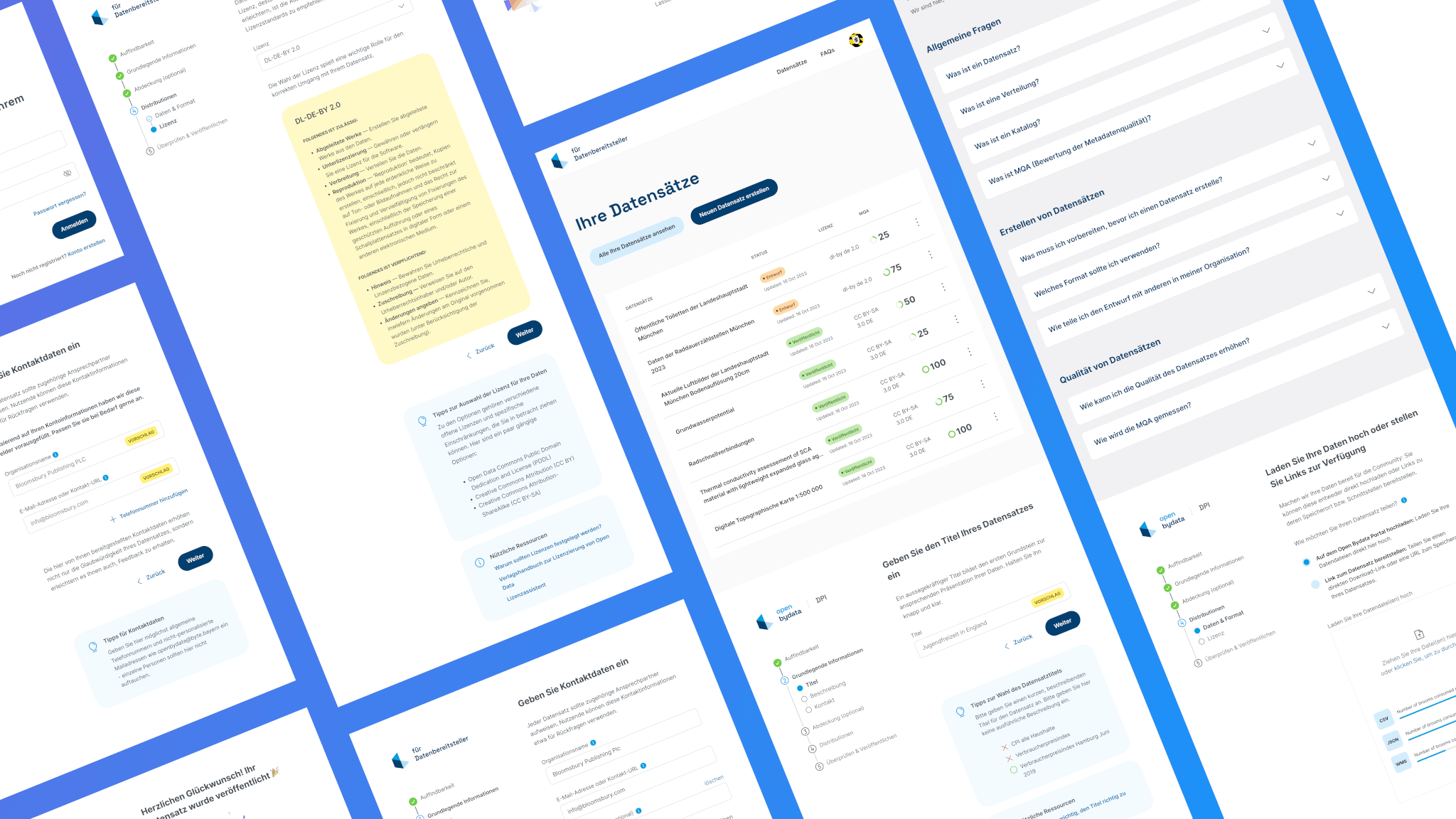
Bayern Open Data PlatformFrom complexity to simplicity: Enhancing data uploads for everyone

ArtXCloud Private viewPrivateview turned artwork sharing into a live sales workflow
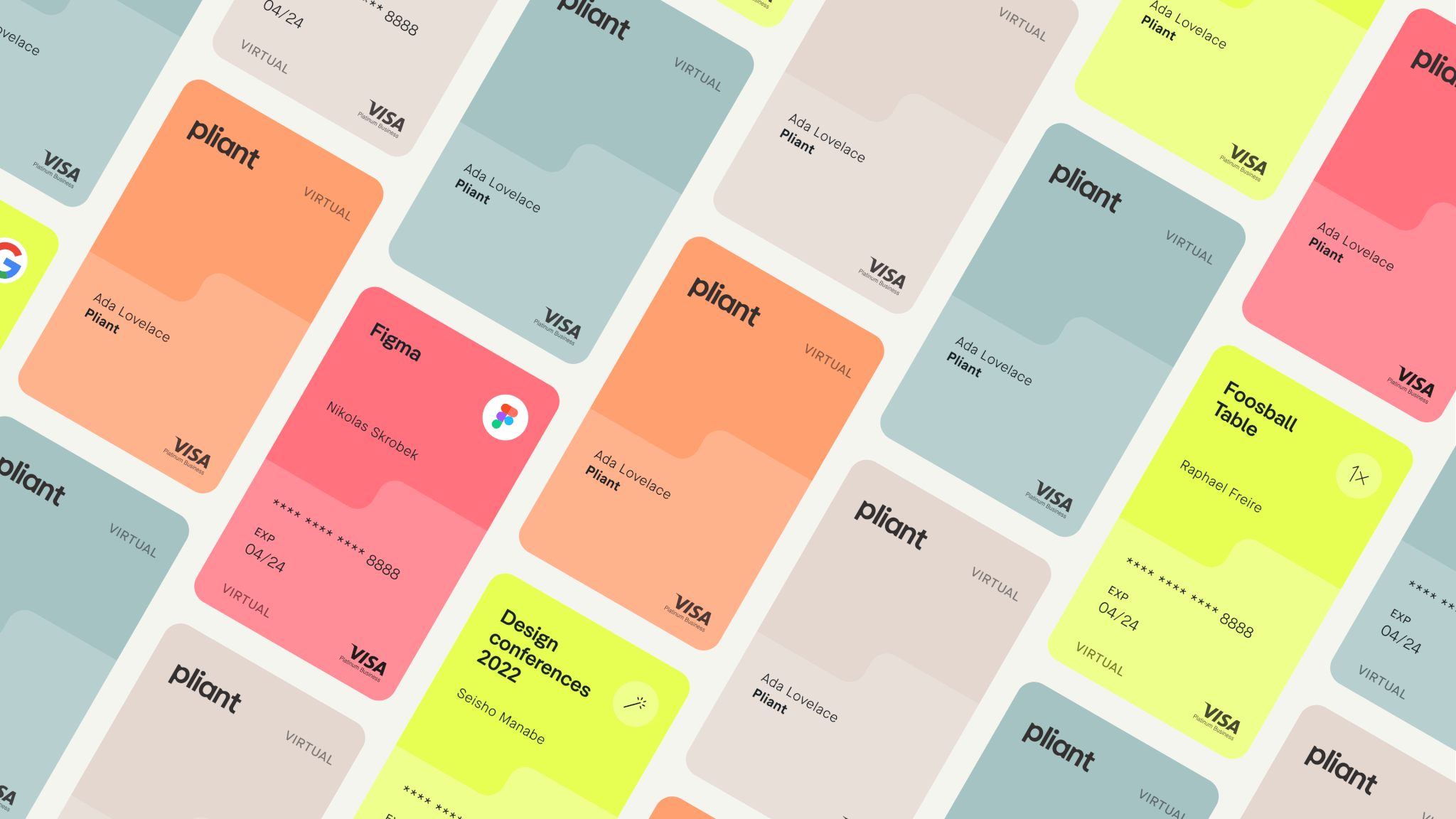
PliantDesign summary of 2022
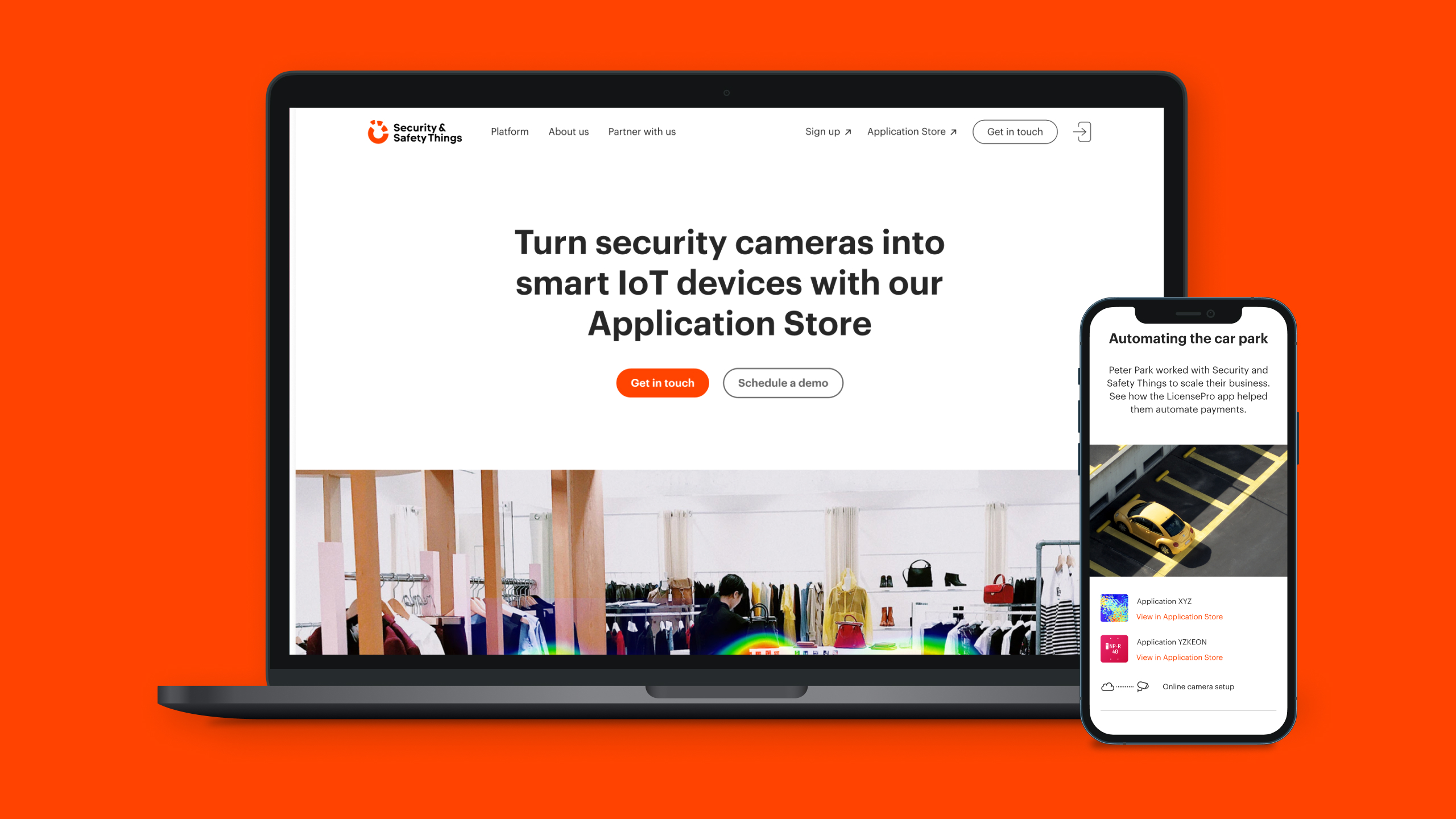
S&ST Company websitePowering the next stage of growth

S&ST RebrandingGaining the recognition and the trust
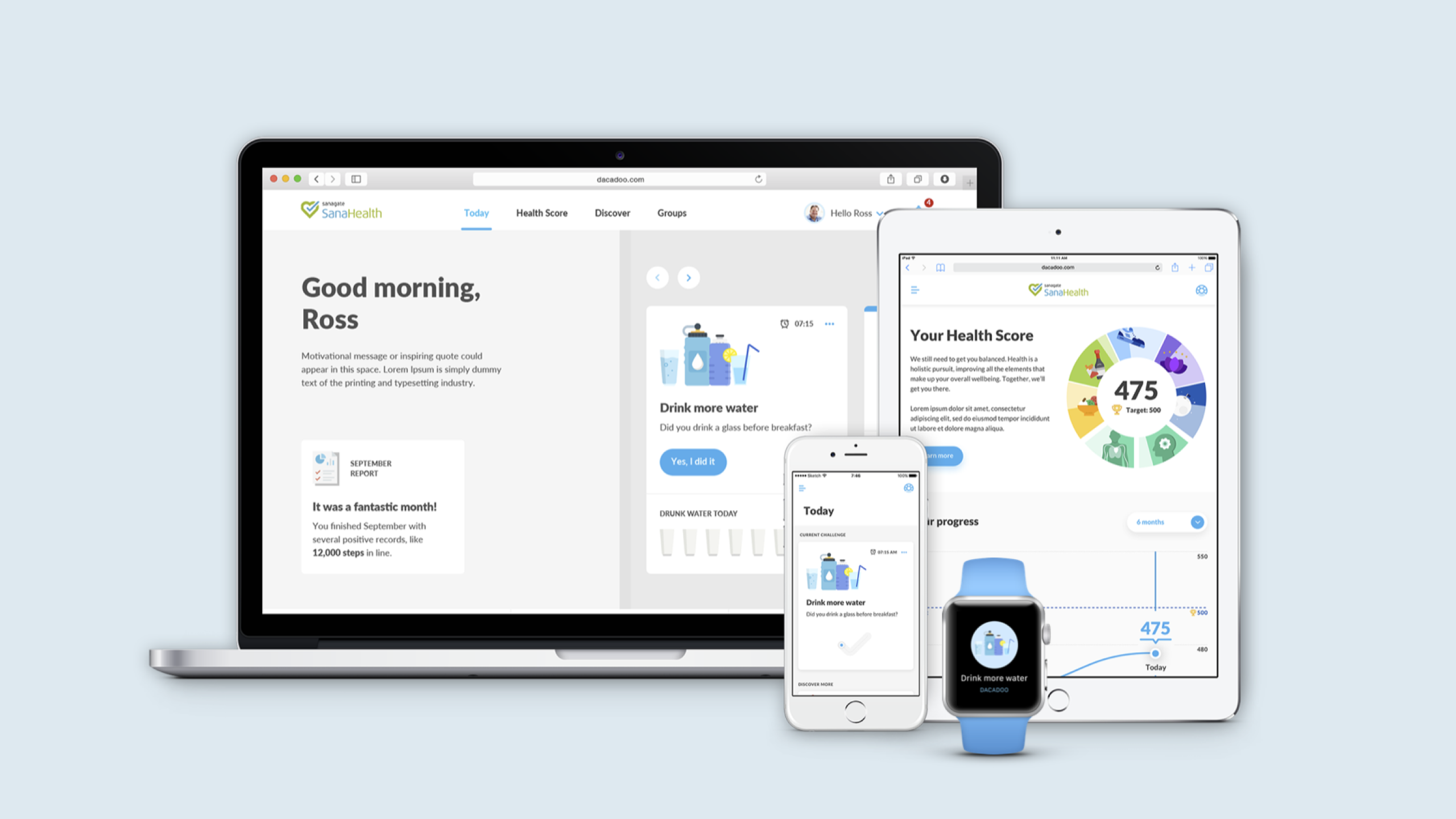
DacadooNew generation of B2B healthcare platform

Porsche e-chargingDesigning interaction for the new e-charging device

QwiccFuture of urban EV charging experience

EquatexNext-gen equity participation platform